
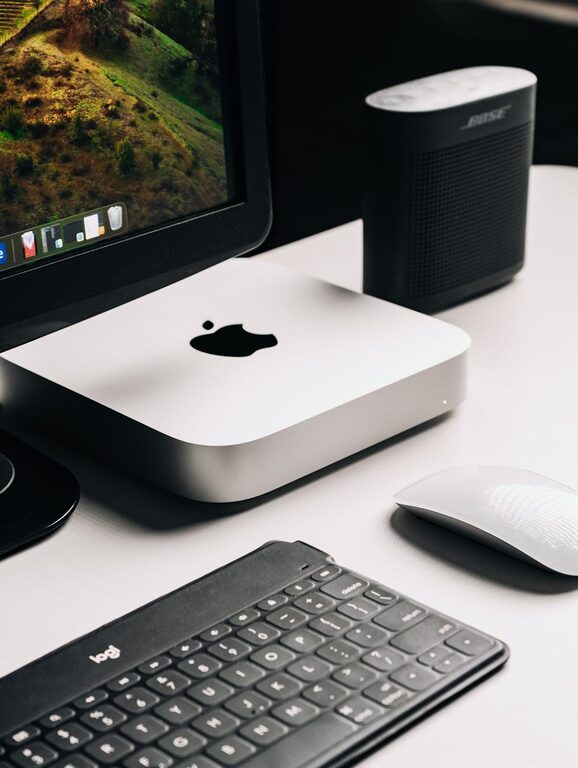
In today’s connected world, managing digital clutter is just as important as tidying up your physical space. Our devices often overflow with files, emails, apps, and notifications, which can lead to feeling overwhelmed and distracted. Taking time to declutter your digital life can bring clarity, increase focus, and create a more enjoyable online experience.
In this guide, we’ll explore practical steps to help you regain control of your digital environment.
Why Declutter Your Digital Life?
Just like a cluttered room, a cluttered digital space can impact your mental well-being and productivity. Here’s why it’s worth the effort:
– Reduce stress: Organizing your digital world helps reduce anxiety caused by information overload.
– Save time: Finding files and emails becomes faster, letting you focus on important tasks.
– Increase productivity: A clean digital workspace minimizes distractions.
– Protect privacy: Clearing unused apps and accounts reduces security risks.
Ready to get started? Here’s how.
Step 1: Clean Up Your Files and Folders
Digital clutter often starts with unmanaged files. Follow these tips to tidy up your documents, images, and downloads:
Organize With a Simple Folder System
Create main folders for broad categories like “Work,” “Personal,” and “Finance.” Inside each, add subfolders for specific projects or topics. Keep folder names clear and consistent.
Delete or Archive Old Files
Go through your files and delete duplicates, outdated documents, or content you no longer need. For files you want to keep but don’t access often, consider moving them to an external hard drive or cloud archive.
Use Naming Conventions
Name files with dates and descriptive titles to find them quickly later. For example, use “2024-03-Travel-Itinerary.pdf” instead of “itinerary.pdf.”
Step 2: Manage Your Email Inbox
An overflowing inbox is a common source of stress. Try these strategies to create a more manageable email experience:
Unsubscribe Ruthlessly
Unsubscribe from newsletters or promotional emails you rarely read. Most emails have an unsubscribe link at the bottom.
Create Filters and Labels
Set up filters to automatically sort incoming messages into folders or labels (e.g., “Work,” “Receipts,” “News”). This keeps your inbox tidy and prioritizes important emails.
Set Aside Time to Process Email
Schedule specific times during your day to check and respond to emails, rather than constantly monitoring your inbox.
Archive or Delete Old Messages
Keep only recent or important emails. Archive or delete older messages to free up space.
Step 3: Organize Your Apps and Software
Apps can quickly pile up and slow down your devices. Here’s how to keep them under control:
Remove Unused Apps
Go through your computer, phone, and tablet and uninstall apps you haven’t used in months. Less clutter means better device performance.
Update Regularly
Keep your apps and software updated for security and efficiency.
Categorize or Group Apps
Organize apps into folders or screens by category (e.g., social, productivity, entertainment). This improves navigation.
Step 4: Declutter Your Digital Photos
Photos are often the largest digital files and can take up significant space.
Delete Unwanted Photos
Delete duplicates, blurry shots, or poor-quality images.
Create Albums
Organize photos into albums by event, date, or topic.
Backup Your Photos
Use cloud storage or external drives to back up your collection regularly.
Step 5: Review and Secure Your Online Accounts
Look through your online accounts to identify which are still needed.
Close Unused Accounts
Deleting unused accounts reduces security risks and distractions.
Update Passwords
Make sure your passwords are strong and unique. Consider using a password manager.
Enable Two-Factor Authentication
Where possible, add an extra layer of security to your important accounts.
Step 6: Streamline Notifications
Notifications can be distracting and contribute to digital clutter.
Turn Off Non-Essential Notifications
Review your app and device settings to disable alerts that aren’t necessary.
Prioritize Important Notifications
Allow notifications from key contacts or apps that require immediate attention.
Step 7: Maintain Your Digital Decluttering Routine
Decluttering is not a one-time task. Here are some maintenance tips:
– Schedule regular cleanups: Dedicate time monthly or quarterly to review files, emails, and apps.
– Adopt good habits: Delete unneeded files promptly and clear inboxes daily or weekly.
– Use productivity tools: Consider apps that assist with organizing tasks, notes, and files.
—
Decluttering your digital life can seem overwhelming at first, but breaking it down into manageable steps makes it doable. With a cleaner digital workspace, you’ll find it easier to focus, stay organized, and enjoy technology rather than feeling controlled by it. Give these tips a try and experience the benefits of a simpler, more intentional digital life.